Designing the Face
|
|
|


Building a Pattern
Step 2: Designing the Face
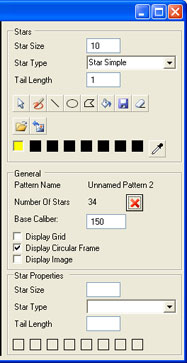
- Select the yellow color by double clicking on the 1st color square in the color strip

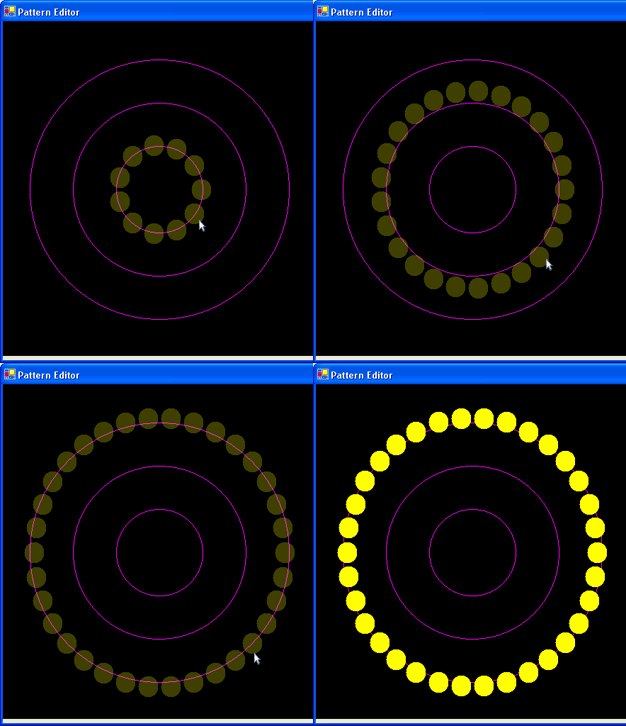
- Create the Face:
- select the
 Circle Tool
 - click in the middle of the viewport and drag out until the desired size
(see the following animation as reference)
|
|
go to the next page >>
copyright 2003 - Infinity Visions Inc. - all rights reserved
Created with the Personal Edition of HelpNDoc: Easy EPub and documentation editor